News
2013.01.04
pcworld.com: Detect and remove rootkits with GMER
2013.01.03
New version 2.0.18327 with full x64 support has been released.
2011.03.18
New version 1.0.15.15565 has been released.
2010.11.24
New version 1.0.15.15530 has been released.
2009.03.08
New version 1.0.15.14878 has been released.
2008.03.30
ALWIL Software has released AVAST 4.8 containing anti-rootkit based on GMER technology.
2008.01.18
Version 1.0.14.14116 released.
2008.01.11
bbc.co.uk: Warning on stealthy Windows virus
2008.01.08
washingtonpost.com: New Nasty Hides From Windows, Anti-Virus Tools
2008.01.02
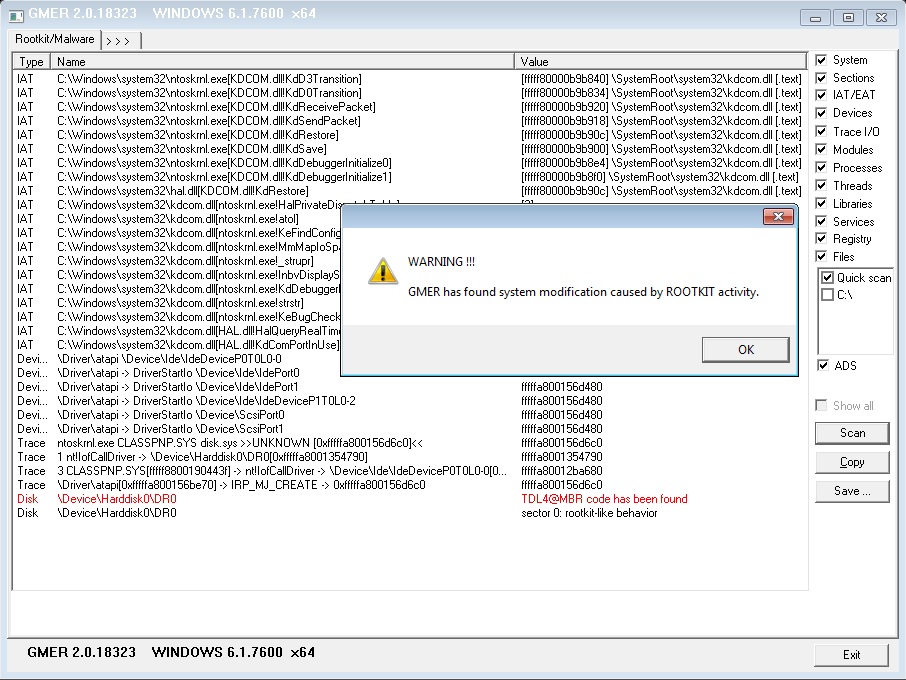
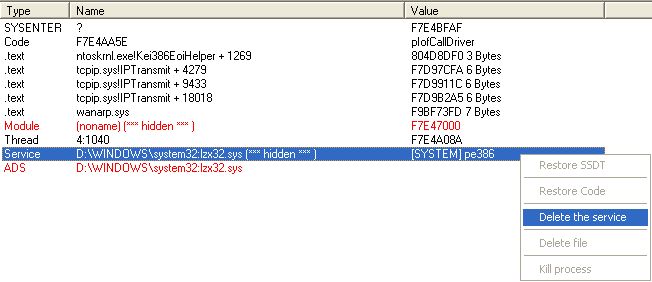
Stealth MBR rootkt found in the wild !
You can read about it here:
[1],
[2]
2007.06.26
Version 1.0.13.12540 released.
2007.03.14
Just another DDoS story - One Person's Perspective by Paul Laudanski
"... Around the middle of February 2007, CastleCops itself became the target of a large scale DDoS. Not new to this kind of attack, it is the first time
CastleCops experienced such a large throughput at nearly 1Gbit/s ..."
2007.03.09
Andy Manchesta added catchme into
SDFix tool.
2007.02.26
Thanks to Marco Giuliani for preparing Italian version of help !
http://www.pcalsicuro.com/main/2007/02/guida-a-gmer/
2007.02.21
New version of catchme with Windows Vista support released.
Catchme has been integrated with combofix developed by sUBs. Keep up the good fight sUBs !.
2007.01.20
After over a month of fight my web page is up and running.
Thank you Paul Vixie and ISC, Matt Jonkman, guys from register.com, MR Team and everyone who helped me.
Special thanks to Paul Laudanski who won this battle.
You can read about it here:
[1],
[2]
2006.12.13
My doman DDoS-ed for the first time.
2006.12.06
I developed sample rootkit "test.sys" which hides its
file from all public rootkit detectors:
Rootkit doesn't
create hooks ( SSDT, IRP, SYSENTER, IDT, inline, FSF ) and its modifications are not
visible.
You can see it in action in these movies: test.wmv,
test2.wmv ( 0.9MB, 0.7MB Windows Media Video 9 codec ).
The detection of this type of rootkit will be added into the next version.
2006.11.28
Version 1.0.12.12011.
2006.10.17
New tool - catchme released.
2006.06.20
washingtonpost.com: New Rootkit Detectors Help Protect You and Your PC
|